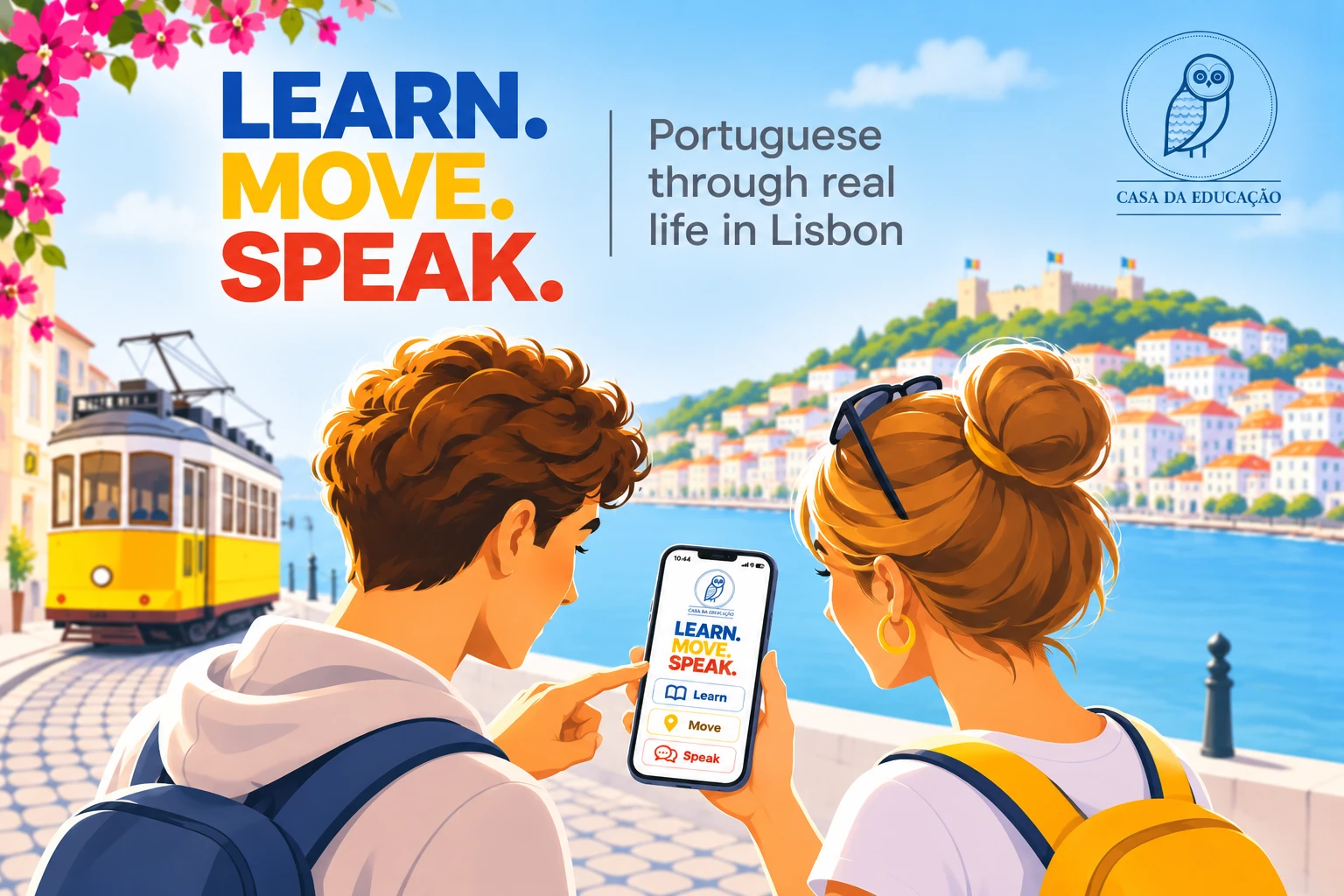
Free app · Erasmus+ students in Lisbon
Portuguese through real life in Lisbon. Five A1 lessons, 10 real missions across the city — two a day, straight from your class — and a photo to prove each one — all on your phone.
Greetings, cafés, getting around, shopping and culture — with flashcards, phrases you can listen to in European Portuguese, and a short quiz after each lesson.
Two a day, taken from that day’s lesson: introduce yourself, order a coffee, ask for directions, buy a metro ticket, ride Tram 28. Some on the map of Lisbon, others anywhere in the city.
Send a photo and what you said. Your teacher approves it and you earn XP, badges and levels — from “Lost in Lisbon” to “Lisbon Legend”.
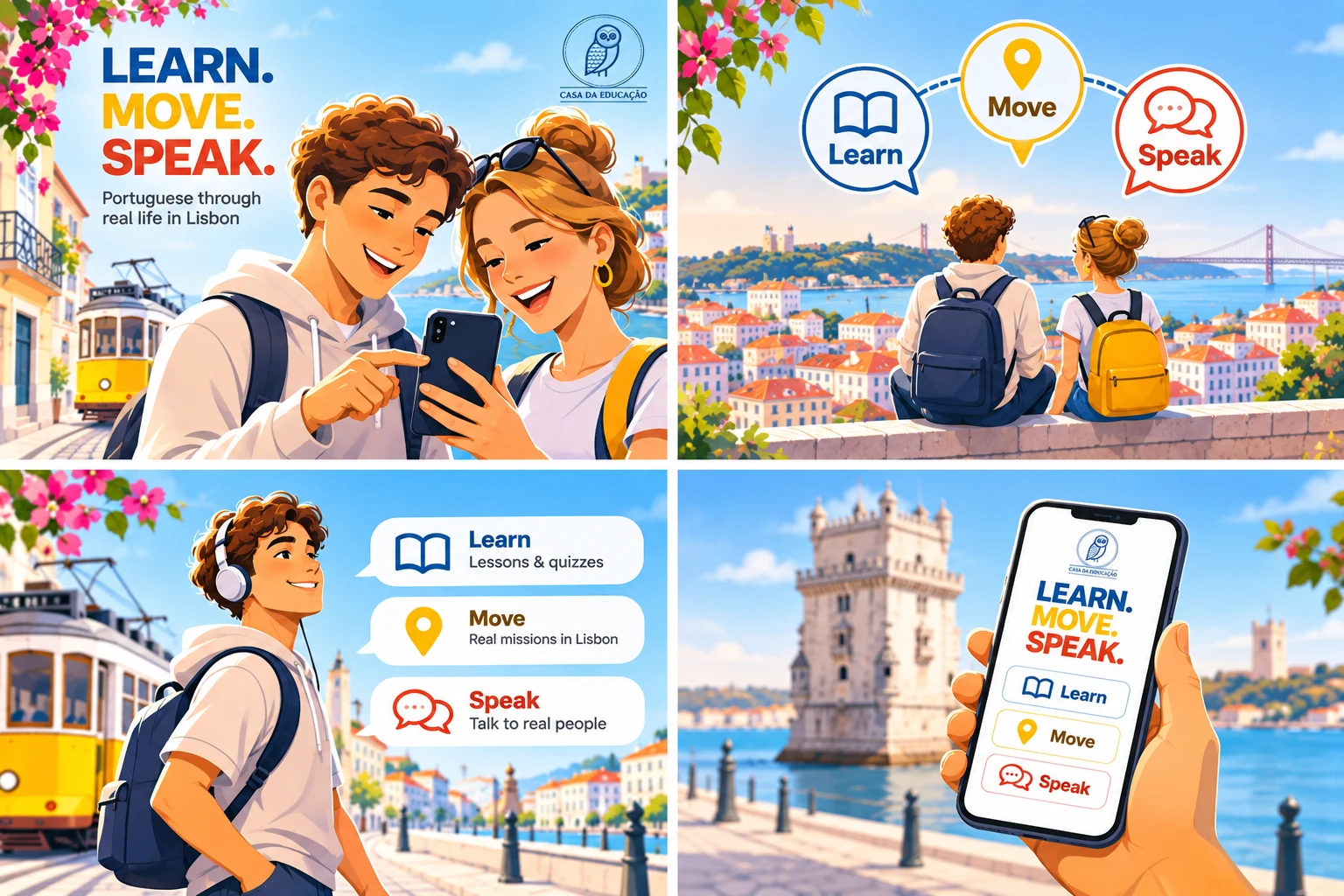
For school groups the course runs Monday to Friday: one session per day. Each lesson and its missions open on their day.

Scan the code with your camera, or go to the link below. Sign in with Google or email, then choose your school group — or “On my own in Lisbon” if you are exploring by yourself.
Open the app →learn-move-speak.web.app
It works like an app, without the app store.
Tap the Share button, then Add to Home Screen.
Tap the ⋮ menu, then Install app (or Add to Home screen).
Allow your camera and location when the app asks: the photo and your position help your teacher check each mission. Your data is used only for the course — see the app’s privacy notice and our Privacy Policy.